01
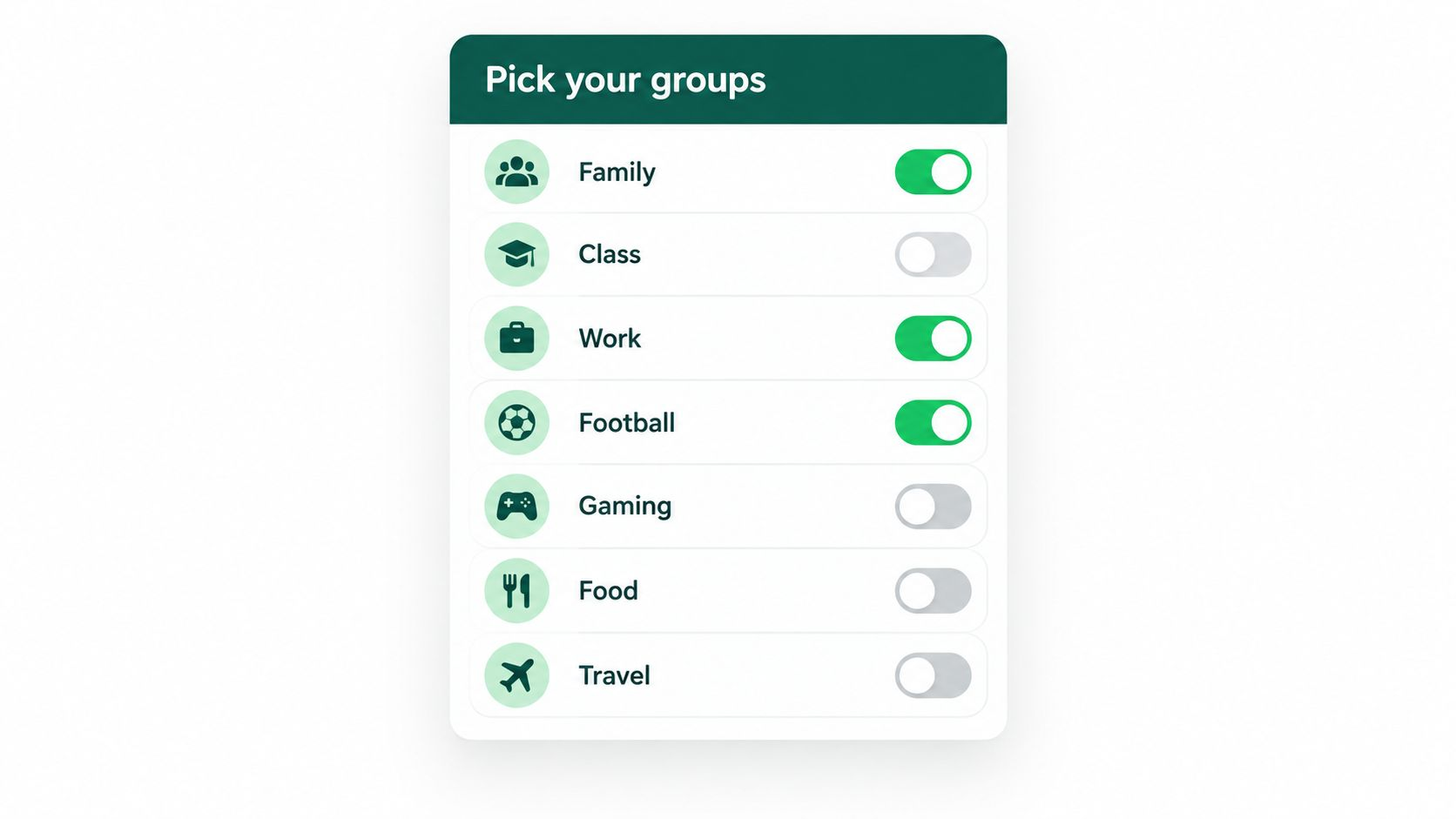
Pick your groups.
GroupChatBrief lists your WhatsApp groups. Every group is off by default. Tick the ones you want covered.
Every group starts off. Tick the ones you want covered.GroupChatBrief reads the WhatsApp groups you choose and tells you what was discussed, what was decided and what you need to do. 200 messages become a short list.
Works on WhatsApp Web. Only reads the groups you tick.GroupChatBrief does the catching up for you, without reading anything you did not choose.
GroupChatBrief lists your WhatsApp groups. Every group is off by default. Tick the ones you want covered.
Every group starts off. Tick the ones you want covered.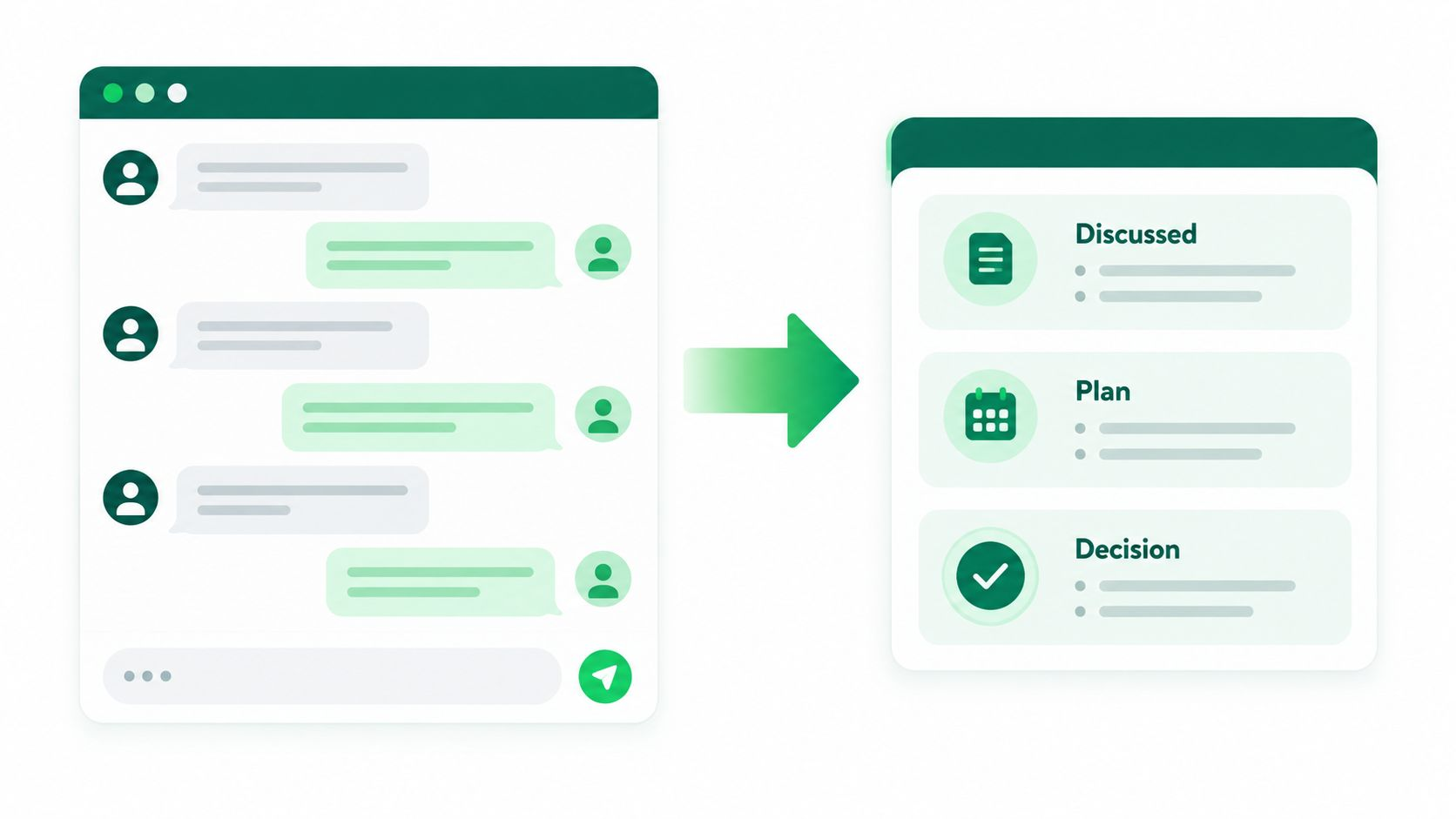
Every hour, and with a full recap at 8 pm, it reads new messages from those groups and works out what matters.
Hundreds of messages, one short summary.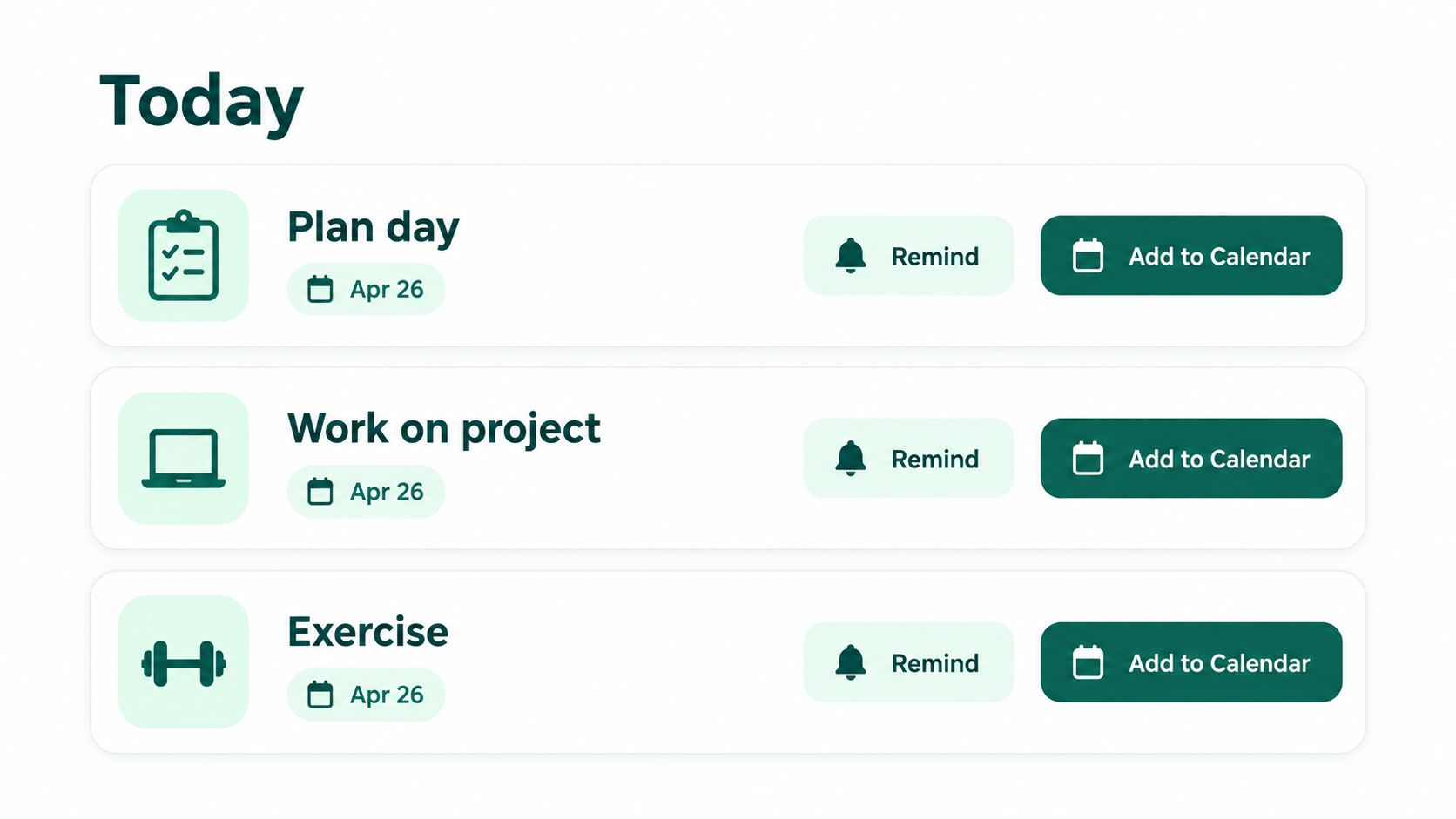
For each group: what was discussed, the plan, the final decision, and what is still open. Tap to set a reminder or add it to your calendar.
Plans with dates become reminders and calendar events.Everything you need to turn group chat into a lightweight to-do list.
Discussed, plan, final decision. Every important item listed on its own, not squashed into one paragraph.
Today and upcoming items in one place. Mark things resolved when done.
Plans with a date and time turn into a Google Calendar event in one tap.
A nudge one hour before an event, so badminton at 7 does not get lost under 40 photos.
Messages you have not answered, ranked High, Medium or Low. Remind me later or mark resolved.
Mute a group forever, for 30 days, or until you unmute it. Groups quiet for 6+ months stay hidden.
GroupChatBrief is built to stay out of the way. You choose what it can see, and your Gemini key stays in your browser.
Get a free Gemini keyPlainly: messages from your selected groups are sent to Google's Gemini to be summarised, under your own key.
Until the Chrome Web Store listing is approved, download the extension and load it once in Chrome.
Download zipDownload the GroupChatBrief zip and unzip it to a folder you will keep.
Open chrome://extensions in Chrome and switch on Developer mode (top right).
Click Load unpacked and choose the unzipped folder.
Open web.whatsapp.com and log in. Refresh the page once.
Click the GroupChatBrief icon (pin it from the puzzle-piece menu). Paste your Gemini API key and press Connect Now.
Tick your groups. The first scan starts on its own.
Updating? Unzip over the same folder, press Reload on chrome://extensions, then refresh WhatsApp Web. Removing and re-adding the extension clears your saved key, so paste it again.
How to get a free Gemini key: Open Google AI Studio, sign in with your Google account, click “Create API key”, then copy it into GroupChatBrief.
Your own Gemini key means the summaries cost you nothing to get started.
Everything you need to stop missing the important bits.
For people whose group chats are basically a second inbox.
No. Only the groups you tick. Direct chats are never read.